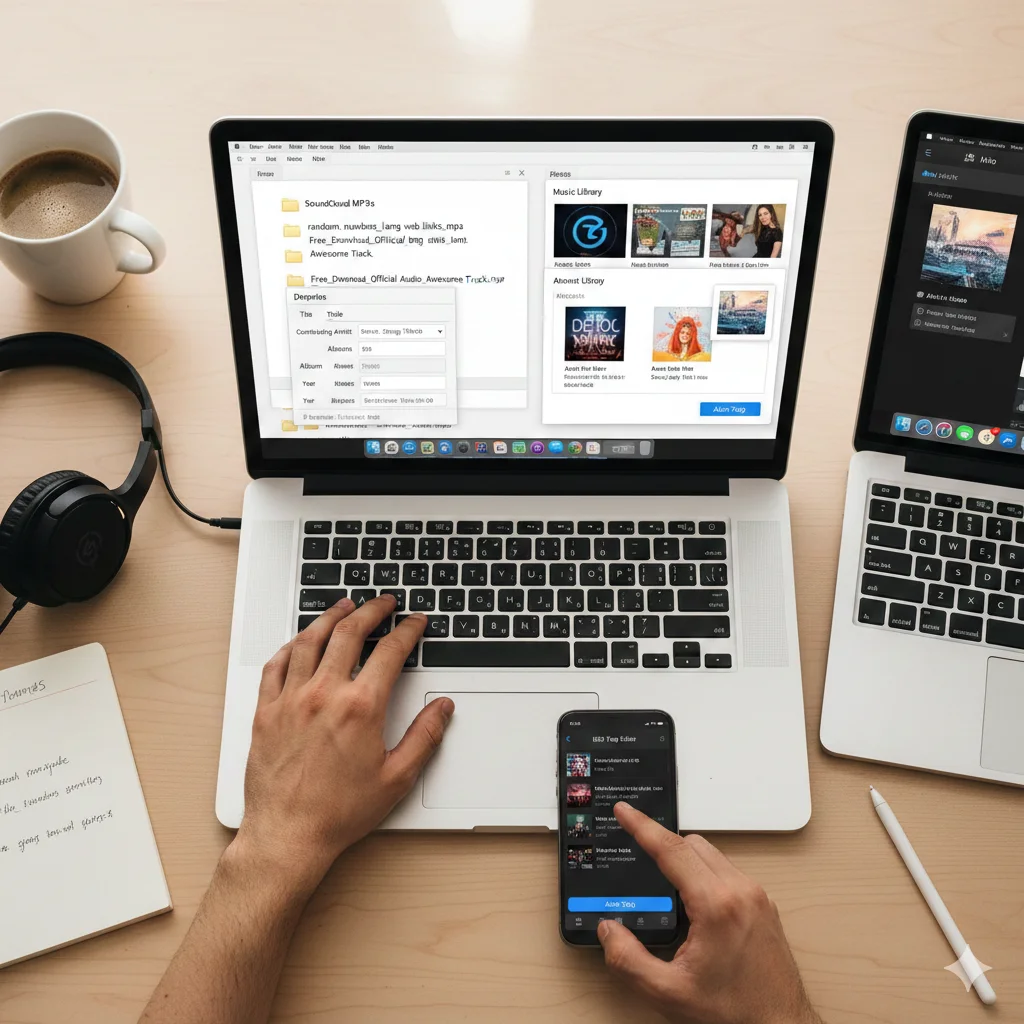
Managing a digital music library is an art form in itself. When you use a tool to move music from SoundCloud to MP3, the primary goal is usually just to get the audio file onto your device. However, many users quickly realize that having a folder full of files named with random numbers or long web links is very confusing. To have a professional-looking library, you need to know how to properly tag your files. Tagging is the process of adding metadata like the artist’s name, the album title, the genre, and even the official cover art to your SoundCloud to MP3 downloads. In this detailed guide, we will explain why tagging is important and provide step-by-step instructions on how to do it effectively on different devices.
Why Metadata Matters for Your Audio Library
The word metadata might sound technical, but it simply means information about information. For a SoundCloud to MP3 file, the audio is the data, and the artist’s name is the metadata. When you open a music player on your smartphone or computer and see a beautiful picture of the album and the correct song title, that is because of tags. Without these tags, your music player might just show “Unknown Artist” or a blank gray box. Proper tagging makes your SoundCloud to MP3 collection searchable. It allows you to sort your music by year or genre, making it much easier to find that one specific remix you saved months ago.
Preparing Your SoundCloud to MP3 Files for Tagging
Before you start adding information, you need to make sure your SoundCloud to MP3 files are in a stable folder. It is a good habit to move your recent downloads out of the temporary “Downloads” folder and into a dedicated “Music” folder. Once your files are organized in one place, you can see which ones need work. Often, a SoundCloud to MP3 converter will pull the title from the webpage, which might include unnecessary words like “Free Download” or “Official Audio.” The first step in professional tagging is cleaning up these file names so they only show the actual name of the song and the creator.
How to Tag Files on a Windows Computer
If you are using a PC, tagging your SoundCloud to MP3 files is very easy and does not require any extra software. Windows has a built-in editor that allows you to change file details directly. First, right-click on your SoundCloud to MP3 file and select “Properties.” A small window will pop up. Go to the “Details” tab. Here, you will see empty rows for Title, Contributing Artist, Album, and Year. You can click on these rows and type the correct information. Once you hit “Apply,” your SoundCloud to MP3 file is permanently updated. This information will now travel with the file, even if you move it to a different computer or a phone.
Tagging Music on a Mac
Mac users can use the Music app (formerly known as iTunes) to organize their SoundCloud to MP3 downloads. Simply drag your file into the Music app. Once the song appears in the library, right-click on it and choose “Get Info.” A window will appear with several tabs. Under the “Details” tab, you can enter the artist name and track title. One of the best features on a Mac is the “Artwork” tab. You can find the original image on the artist’s SoundCloud page, save it to your desktop, and then drag it into this tab. This ensures that every time you play your SoundCloud to MP3 track, you see the official visual art associated with the music.
Mobile Tagging Options for Android Users
For those who use SoundCloud to MP3 for mobile devices, there are several free apps on the Google Play Store designed specifically for “ID3 Tag Editing.” Since Android allows apps to access the file system, these tools can scan your music folder and fix the metadata for you. When you open a tag editor app, it will list all your SoundCloud to MP3 files. You can tap on a song and manually enter the details. Some advanced apps can even “Auto-Tag” by listening to a few seconds of the song and searching a global database to fill in the artist and album details for you. This is a huge time-saver for people with large collections.
The Importance of Album Art in Your Library
A music library without images feels empty. When you convert SoundCloud to MP3, the visual element is often lost. However, the image an artist chooses for their track is a big part of the creative experience. Adding the correct album art to your SoundCloud to MP3 file makes your library look like a premium streaming service. Most tagging software allows you to attach a square JPEG or PNG file to the audio. This image is embedded inside the file itself. This means that if you share your SoundCloud to MP3 file with a friend, they will also see the artwork on their device.
Organizing by Genre and Year
If you have a massive library of SoundCloud to MP3 tracks, sorting them by genre is very helpful. You can tag tracks as “Electronic,” “Hip Hop,” “Ambient,” or “Podcast.” This allows your music player to create smart playlists. For example, you can tell your phone to “Play all Electronic music from 2024.” If your SoundCloud to MP3 tags are accurate, the phone will instantly create a perfect mix for you. This level of organization turns a random pile of files into a curated personal radio station.
Consistency is the Key to a Great Library
When tagging your SoundCloud to MP3 files, consistency is very important. For example, decide if you want to use “The Weeknd” or just “Weeknd” for the artist name. If you use different names for the same artist, your music player will treat them as two different people. Staying consistent with your tagging habits ensures that your SoundCloud to MP3 library remains neat and professional as it grows over the years.
Conclusion
Taking the time to tag your SoundCloud to MP3 files might seem like extra work, but the results are worth it. A well-organized library with correct titles, artist names, and beautiful album art provides a much better listening experience. It transforms your downloads into a permanent collection that you can be proud of. Whether you are using a computer or a mobile device, the tools to tag your music are accessible and easy to use. By following the steps in this guide, you can ensure that your SoundCloud to MP3 collection is always organized, searchable, and visually appealing.