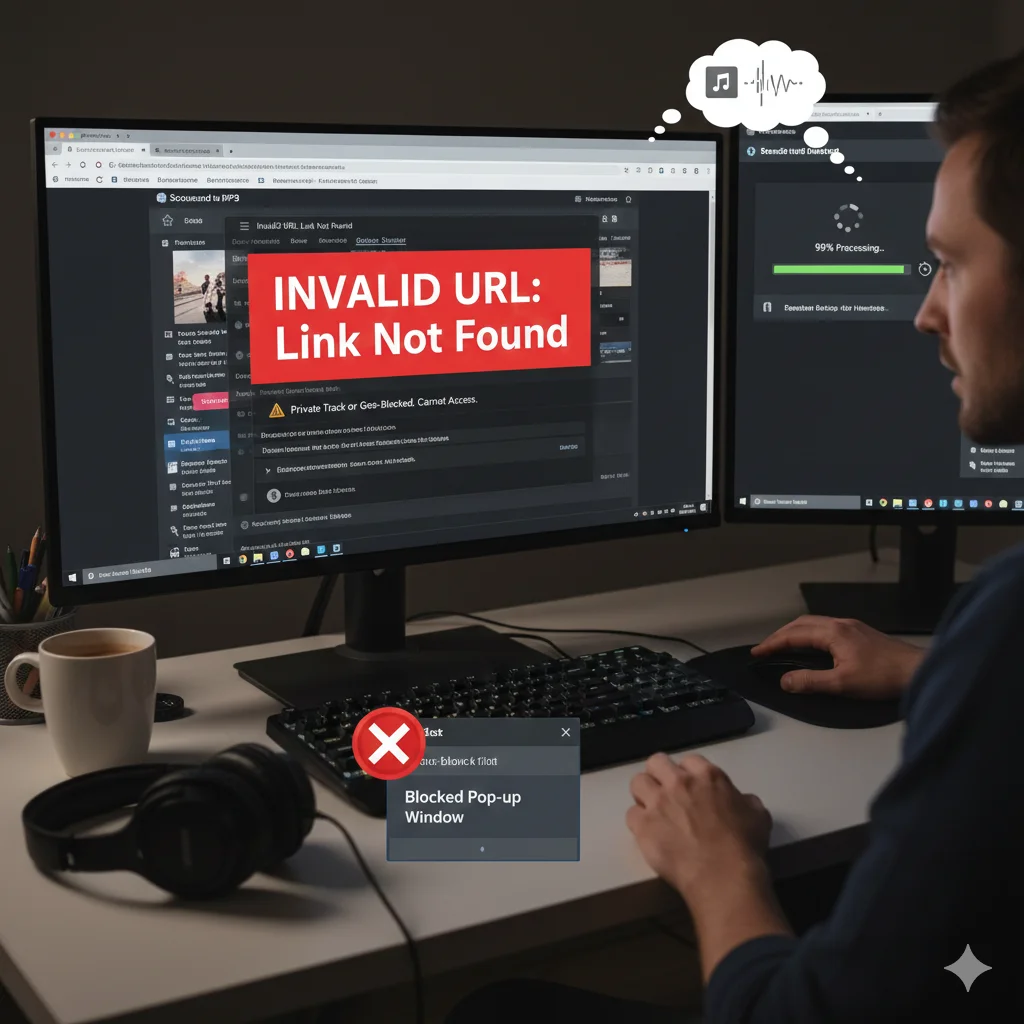
The process of moving music from SoundCloud to MP3 is generally very simple and user-friendly. However, because the internet is a complex network of servers, browsers, and scripts, users often run into technical difficulties. Whether you are a casual listener or a dedicated music collector, understanding how to troubleshoot these problems is essential. In this detailed guide, we will explore every possible error that can occur during a SoundCloud to MP3 conversion and provide clear, easy-to-follow solutions.
Understanding the Technical Nature of SoundCloud to MP3 Tools
Before we jump into the fixes, it is important to understand how a SoundCloud to MP3 tool actually functions. These tools act as a middleman between your device and the SoundCloud servers. They “fetch” the audio data that is meant for streaming and “repackage” it into a file that you can save. Because this process involves multiple steps, a failure at any stage—from the link being copied to the file being saved—can result in an error. Knowing this helps you identify where the problem might be.
The Most Frequent Error: The “Invalid URL” Message
Almost every user has seen the “Invalid URL” or “Link Not Found” error at some point. This is usually the first hurdle in the SoundCloud to MP3 process. The most common cause is a simple copy-paste mistake. Sometimes, a user might miss the “https://” part of the link or cut off the last few letters of the song title.
Another reason for this error is the structure of the link itself. SoundCloud has different types of links for tracks, sets, and artist profiles. If you use a SoundCloud to MP3 tool that only supports single tracks, pasting a playlist link will result in an error. To fix this, always double-check your address bar and ensure you are providing the exact link to the specific song you want to convert.
Dealing with Private Tracks and Artist Restrictions
Privacy is a big part of the SoundCloud ecosystem. Artists have the option to set their tracks to “Private,” meaning only people with a special “Secret Token” link can hear them. Most public SoundCloud to MP3 tools are designed to work only with public data. If you try to move a private track from SoundCloud to MP3, the tool will likely fail because it does not have the artist’s permission to access that data.
Additionally, some artists or labels use “Geoblocking.” This means the music is only available in certain countries. If your SoundCloud to MP3 tool’s server is located in a country where the track is blocked, it won’t be able to fetch the audio. Using a VPN can sometimes solve this, but it is often better to find a public version of the track.
Solving Slow Conversion and Download Speeds
There is nothing more frustrating than a SoundCloud to MP3 conversion that gets stuck at 99%. This usually happens for two reasons: server congestion or a local network issue. Popular SoundCloud to MP3 websites handle millions of requests. During peak hours, their servers might slow down.
If you face this, try refreshing the page or waiting for a few minutes before trying again. On your side, ensure that you don’t have too many tabs open or other large downloads running in the background. A clean browser with a stable Wi-Fi connection is the best environment for a fast SoundCloud to MP3 experience.
Browser and Extension Conflicts
Modern browsers like Chrome, Firefox, and Edge use various extensions to improve security and block ads. While these are helpful, they can sometimes interfere with the scripts used by a SoundCloud to MP3 converter. If the “Download” button does not respond, your ad-blocker might be mistakenly identifying the file generation as a pop-up.
To fix this, try opening the SoundCloud to MP3 tool in an “Incognito” or “Private” window. This mode disables most extensions and gives you a “clean” browser to work with. If it works in Incognito, you know that one of your extensions was causing the conflict.
Why Some Files Have No Sound or Low Volume
Occasionally, a SoundCloud to MP3 file might download successfully but have no sound when played. This is often a “codec” issue. While the file extension says .mp3, the internal data might have been corrupted during the conversion process.
Another possibility is the source quality. If an artist uploaded a very quiet or low-quality recording, the SoundCloud to MP3 tool cannot fix that. It can only copy what is already there. Always try to listen to the first few seconds of a track on the SoundCloud website to ensure the audio is clear before you start the SoundCloud to MP3 conversion.
Conclusion and Final Tips for Success
In conclusion, while SoundCloud to MP3 errors can be annoying, they are almost always fixable with a little bit of patience. By checking your links, respecting privacy settings, and keeping your browser clean, you can enjoy a seamless music experience. Remember, these tools are built to make your life easier, and understanding their limits is the best way to use them effectively.
Frequently Asked Questions (FAQs)
1. Why does my SoundCloud to MP3 conversion stop at 50% or 99%? This is a very common issue that usually happens due to a temporary break in the internet connection or a server timeout. When the SoundCloud to MP3 tool is fetching a large file, even a small drop in your Wi-Fi signal can cause the process to freeze. To fix this, simply refresh the page and try the SoundCloud to MP3 conversion again. Clearing your browser cache can also help in such cases.
2. Can I fix the sound quality of a SoundCloud to MP3 file after downloading? Unfortunately, once a file is converted, you cannot increase its quality because the SoundCloud to MP3 tool can only capture the quality provided by the original source. If the artist uploaded a 128kbps track, the SoundCloud to MP3 output will be 128kbps. For the best sound, always ensure the original track on SoundCloud sounds clear before you start the conversion.
3. Why am I getting an “Access Denied” error during the SoundCloud to MP3 process? An “Access Denied” error usually means the track has strict copyright protections or is restricted to certain regions. If the SoundCloud to MP3 tool’s server is in a country where that specific track is blocked, it won’t be able to access the audio. You can try using a different SoundCloud to MP3 tool or check if the track is available for your region.
4. Is there a limit on how long the SoundCloud to MP3 audio can be? Most free web tools have a limit, such as 2 hours or 3 hours per track. If you are trying to move a very long DJ set or a 5-hour podcast from SoundCloud to MP3, the tool might crash. For extremely long files, it is better to use specialized software that is designed to handle large amounts of data without timing out.
5. Does using an ad-blocker interfere with SoundCloud to MP3 websites? Yes, it often does. Many SoundCloud to MP3 websites use scripts to generate the download link. Some aggressive ad-blockers might mistake these scripts for ads and block them. If you click the “Download” button and nothing happens, try disabling your ad-blocker for that specific SoundCloud to MP3 site and try again.
6. Why does the SoundCloud to MP3 tool say the link is “Private”? This happens when the artist has changed their track settings to private. Even if you can listen to it because you have a special link, a standard SoundCloud to MP3 tool cannot see “hidden” tracks. To fix this, the track must be set to “Public” on SoundCloud so the conversion server can find it.